

How to Automate Boring Tasks with AI: Unlock Efficiency in 2025
Ever feel like you’re drowning in a sea of monotonous tasks, wishing there was a magic button to make it all disappear? You’re not alone. I used to spend hours on repetitive data entry until I discovered the power of AI. It was like finding a secret weapon that not only saved me time but also my sanity. In a world where efficiency is king, learning how to automate boring tasks with AI is key.
Imagine a typical day where mundane tasks like scheduling or data sorting vanish from your to-do list, allowing you to focus on what truly matters. As someone who’s tested countless AI productivity tools, I can assure you, the transformation is real. It’s not just about saving time; it’s about reclaiming your day and boosting your productivity to levels you never thought possible.
If you’re ready to unlock a new realm of efficiency, stick around. We’ll explore how AI can turn your repetitive workload into a streamlined process, ensuring you’re always a step ahead. And if you’re curious about integrating AI into your workflow, check out my guide on AI productivity. From practical strategies to the latest tools, this post will equip you with everything you need to know. Let’s dive in and revolutionize how you work, starting now!

Table of Contents
Introduction to AI Task Automation
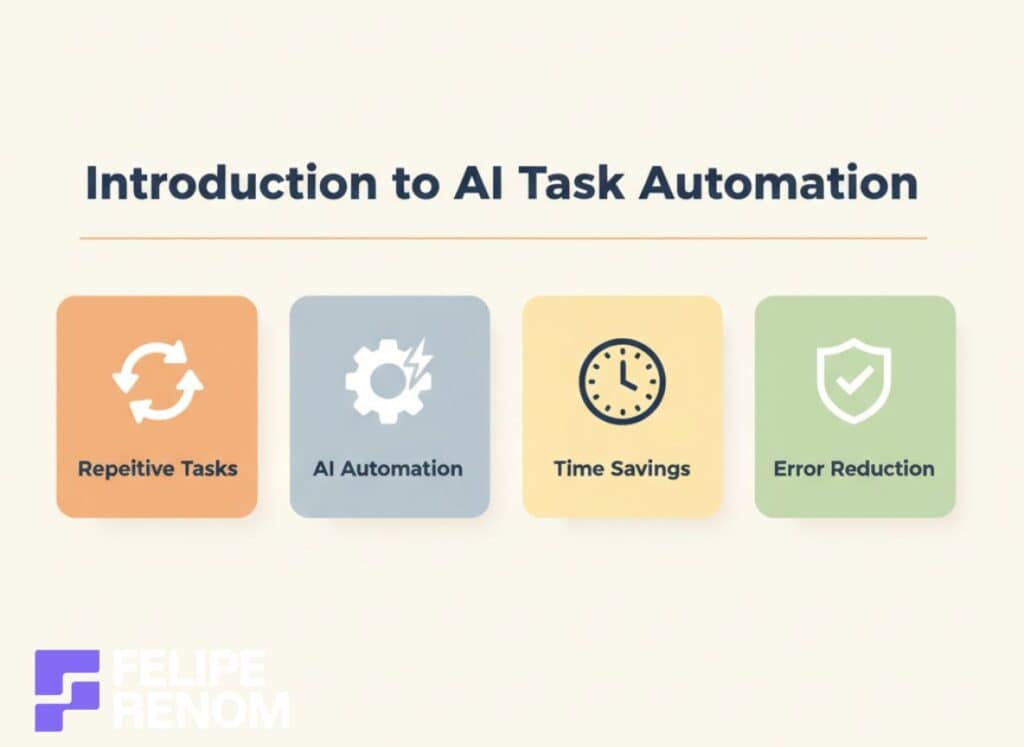
The rise of AI has revolutionized the way we handle tasks, and automation is at the heart of this transformation. I remember my early days as a data analyst, juggling a mountain of repetitive tasks. Honestly, it was MIND-NUMBING. But then AI automation swooped in like a superhero, freeing up time and reducing errors. Today, AI plays a critical role in streamlining workflows, and it’s something I can’t imagine working without.
AI’s Role in Automating Tasks
AI’s ability to automate tasks is nothing short of transformative. Think back to how tedious data entry, scheduling, or customer queries can be. With AI, these processes are automated, allowing businesses to operate more efficiently. I once worked on a project for a healthcare clinic where the AI chatbot handled repetitive patient queries. This saved the staff over 40 hours EVERY week, giving them the chance to focus on more important tasks.
- AI doesn’t just speed up processes; it ensures accuracy by minimizing human errors.
- It allows you to focus on complex problems by eliminating mundane tasks.
- By automating routine functions, businesses can significantly reduce costs and improve productivity.
I learned that starting small with task automation can make a big difference. Test it on mundane tasks and watch as TIME and EFFORT are dramatically reduced.
This was the biggest lesson I learned: start small and iterate.
Importance of Automation in Modern Workflows
In today’s fast-paced world, automation isn’t just a luxury, it’s a necessity. Businesses need to keep up or risk falling behind. Imagine trying to manage a remote team of freelancers without automated communication tools. It’d be chaos.
The adoption of AI solutions can make or break your productivity:
- Efficiency Boost: Automation streamlines processes, allowing tasks to be completed quicker.
- Competitive Edge: Businesses utilizing AI are ahead of the curve, tapping into innovative tech to outperform competitors.
- Adaptability: Automated systems easily scale with your business, aligning with growth without the growing pains.
During my freelancing journey, I realized how essential automation is. Setting up automated invoicing alone saved me HOURS every month, making my business run smoother.
Embrace automation, folks. It’s the path to a smarter, less stressful workflow. It’s like having a personal assistant who never sleeps, ensuring everything clicks even when you’re out grabbing coffee.
By integrating AI into your routine, you’re not just improving productivity; you’re investing in a future where work is smarter, not harder.
Benefits of Learning How To Automate Boring Tasks With AI
I can still remember when most of my day involved copying data from one spreadsheet to another. Let me tell you, it was BORING. AI has been a total accelerator for mundane tasks like these, turning what felt like endless hours of boredom into time spent on more impactful activities.
Time-Saving and Increased Productivity
There’s nothing more valuable than TIME. Remember when I mentioned the AI chatbot project for a healthcare clinic? That automation alone saved the staff over 40 hours each week. That’s a full workweek reclaimed! Imagine what you could do with that extra time.
By automating repetitive tasks like data entry or customer queries, businesses can:
- Save Hours: AI takes care of the repetitive stuff, giving you back your precious time.
- Boost Efficiency: Tasks get done faster and more accurately.
- Allow Growth: More time means you can focus on expanding your business or working into new projects.
Automated tools don’t just do the work faster; they free you up for what truly matters. My own shift to automated invoicing meant I was able to focus on GROWING my freelancing business, not just maintaining it.
Biggest takeaway? Automate the repetitive and watch your productivity soar.
Reduction of Human Error in Repetitive Tasks
Let’s face it, we’re all human, and humans make mistakes. But what if you could cut down the chances of errors? AI’s got your back here.
One of my clients, a fertility clinic, loved how the AI chatbot integrated with Monday.com ensured everything from patient data to schedules was spot-on. No more double entries or missed info.
By minimizing human errors, you achieve:
- Improved Accuracy: Data entries and processes are more precise.
- Consistency: Outputs are uniform, regardless of human mood or attention span.
- Reliability: With fewer errors, trust in your data and systems grows.
Mistakes can be costly, both in time and resources. AI helps ensure that even the simplest of tasks are handled with pristine precision, so you can breathe easier knowing errors are minimized.
Enhanced Focus on Creative and Strategic Work
Ah, the good stuff – spending time on CREATIVE and strategic endeavors. That’s where we really add value.
Because AI steps in for the repetitive work, you’re freed up to tackle more imaginative and meaningful projects. For me, this meant developing complex AI solutions for clients rather than getting bogged down in data cleanup. It was liberating!
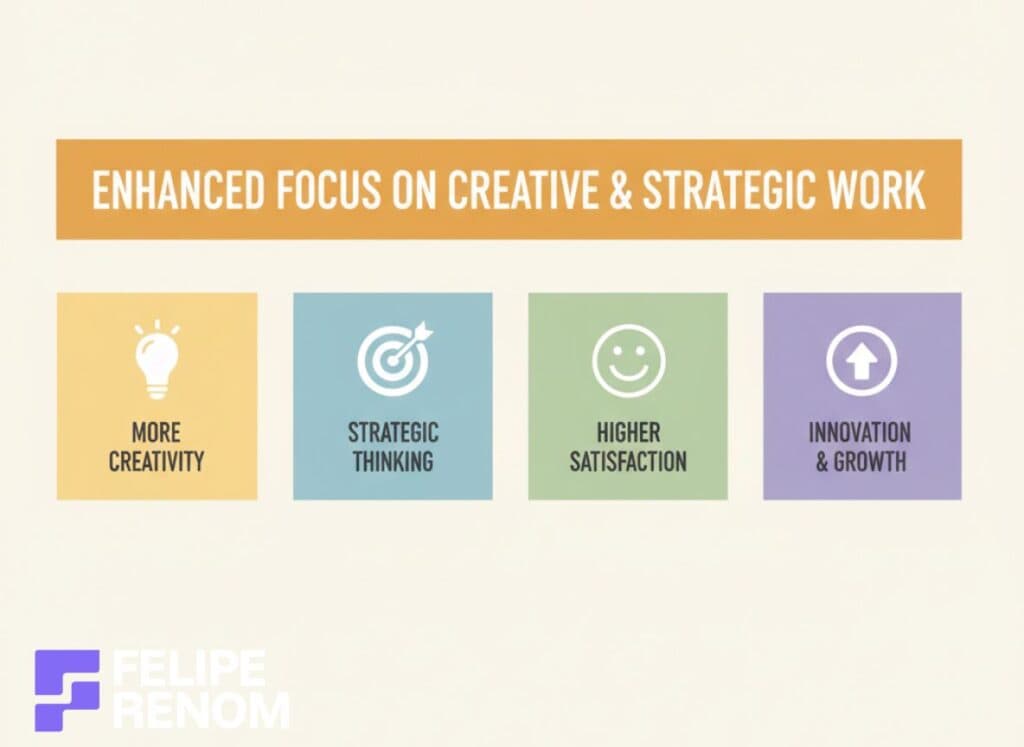
Here’s what more creative bandwidth gives you:
- Innovation: More time for brainstorming and creativity.
- Strategic Planning: Focus on growth strategies rather than just day-to-day operations.
- Job Satisfaction: Engaging with work that leverages your skills and passions.
When mundane tasks are offloaded to AI, your role becomes more engaging and rewarding. It’s not just about doing more; it’s about doing things that truly matter.
Harnessing AI doesn’t just free up time; it elevates the quality of your work atmosphere.
Smart automation isn’t just efficiency; it’s a springboard to innovation and growth.
Leave the boring to the bots and let your creativity take flight.
Tools and Technologies for Task Automation
Navigating the world of task automation can feel a bit like stepping into a candy store, so many options, and each a little different. I remember when I first started exploring AI tools, my mind was racing! The possibilities were endless, and I was SO excited about the potential for simplifying tasks in new, innovative ways.
Overview of Popular AI Tools for Automation
In my journey from working as a data analyst to freelancing as an AI developer, I’ve come across some truly AMAZING tools. Here’s a look at some of the big players in automation:
- Zapier: If you’re looking to connect apps without coding, Zapier is your go-to. It’s like glue for your apps, automating workflows with ease.
- UiPath: Known for its robotic process automation (RPA) capabilities, UiPath handles complex tasks that would take humans much longer to accomplish.
- ChatGPT & AI Chatbots: These are great for automating customer service tasks. For instance, my AI chatbot for a healthcare clinic saved them 40+ HOURS a week.
- Microsoft Power Automate: An accessible way for businesses to automate time-consuming tasks and processes. It’s tightly integrated with the Microsoft ecosystem, which is a HUGE plus for those already using Office products.
Choosing the right tool involves understanding your specific needs, whether it’s connecting apps, managing customer queries, or handling complex tasks.
The greatest insight: start small and iterate.
Comparison of AI-Powered Software and Platforms
When you’re considering AI tools, it’s crucial to weigh options. Not every tool fits every business, and choosing the right one can be the difference between soaring productivity and wasted investment. Here’s my take on a few platforms:
| Tool/Platform | Pros | Cons |
|---|---|---|
| Zapier | Easy to use, wide app range | Costs can add up with multiple zaps |
| UiPath | Robust RPA, scalable | Requires some technical know-how |
| ChatGPT | Excellent for communication tasks, customizable | May need fine-tuning for accuracy |
| Power Automate | Integrates well with MS products | Limited outside the Microsoft ecosystem |
During a project with a digital marketing agency, we debated between UiPath and Power Automate. Ultimately, Power Automate’s seamless integration with their existing systems tipped the scales.
Making these choices isn’t always straightforward. Evaluate these options carefully, and factor in how each would integrate within your existing framework.
Criteria for Selecting the Right AI Tools
So, how do you choose which tool is RIGHT for you? Let me break down the critical criteria based on real-world experiences:
- Scalability: Will the tool grow with your business? This was key when I worked with a fertility clinic that needed to scale their data management.
- Integration: Can the tool easily plug into your existing systems? We ran into this challenge with a school chatbot project, where integration with multiple data sources was essential.
- Ease of Use: Not everyone’s a tech whiz. As much as I love diving into the technical stuff, simplicity can be difficult for non-technical teams.
- Cost: You need to weigh the benefits against the costs. A tool that saves hours weekly may justify a higher price.
Remember, even the most sophisticated tool is only valuable if it meets your specific business needs.
In conclusion, choosing the right AI tools for automation is about analyzing your current processes and future goals. Take the time to explore and experiment. Sometimes you’ll find the perfect fit, and other times you’ll learn what doesn’t work FOR YOU. That’s the beauty of evolving with technology, there’s always another tool just waiting to make your life easier!
Implementing AI Automation in Everyday Tasks
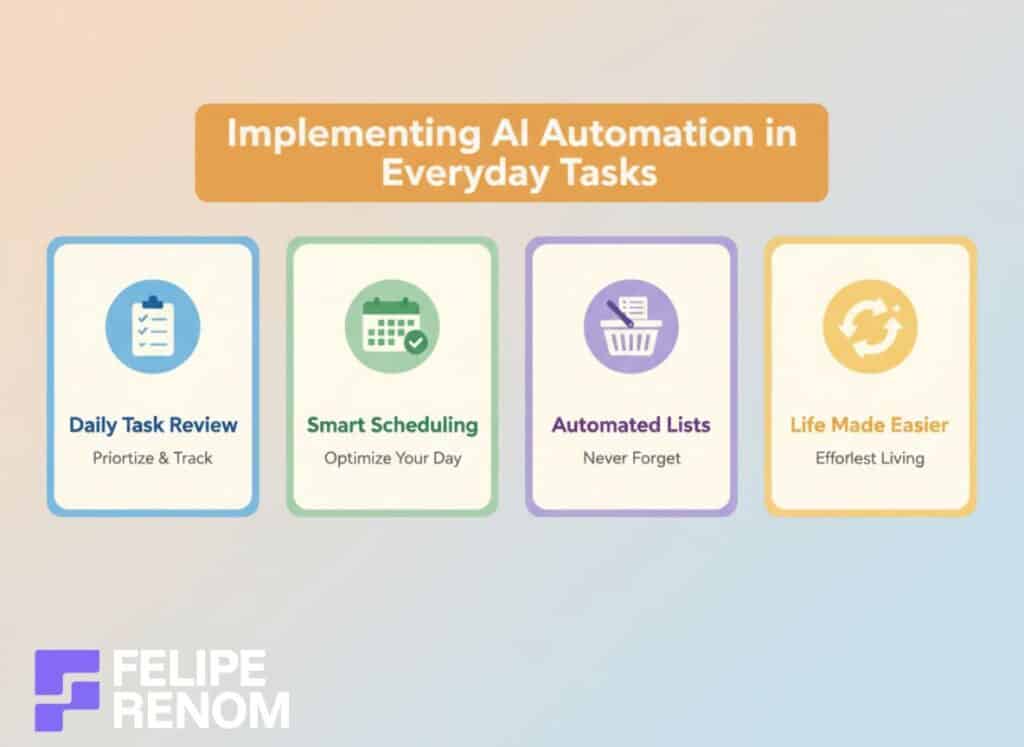
Exploring AI automation in daily routines had been a REVELATION for me. I mean, just think about all those boring tasks we get bogged down with, grocery lists, scheduling, administration. I started by analyzing these everyday tasks, figuring there had to be a way to make life a little more seamless. Spoiler alert: AI totally rocked my world!
Step-by-Step Guide to Automating Daily Routines
When I first dipped my toes into automating daily routines, the landscape wasn’t as mapped out. I had to piece it together, which was frustrating but SO rewarding once I nailed it. Here’s my REAL-WORLD approach:
- Identify Repetitive Tasks: Start by listing tasks you do daily or weekly, emails, reminders, task lists. Trust me, it’s illuminating.
- Choose the Right Tools: For personal tasks, consider tools like IFTTT or Todoist combined with AI assistants like Google Assistant or Siri.
- Set Up Automations: Connect your chosen tools to automate simple workflows. For instance, I used IFTTT to automate light settings based on time.
- Test and Tweak: Nothing’s perfect right away. I had to tweak several times before I got it just right. Don’t be afraid to make changes.
- Scale Gradually: Once I saw how much time I was saving, I gradually added more complex automations, like integrating my calendar with project management tools.
Pro tip: Always start with the most annoying task.
Real-World Examples of AI in Action
In my AI development role, seeing practical applications in client projects has been hugely satisfying. Let me share a couple that stood out:
For a high school in Bangkok, a chatbot I developed handles FAQs like vacation dates and school schedules. The result? 20+ hours saved weekly. The admin team was over the moon, no longer drowning in repetitive questions.
- Healthcare: I crafted an AI for a fertility clinic integrating directly with Monday.com, enabling real-time patient data queries. The clinic staff was THRILLED at how much smoother their operations ran.
- Architecture Firm: An AI receptionist I built using voice recognition provided instant replies and lead qualification, again cutting down hours of workload.
These aren’t just time savers; they’re transforming how businesses operate.
One key takeaway: AI in real-world applications brings more than efficiency; it enhances QUALITY, allowing teams to focus on what truly matters.
Tips for Integrating AI into Existing Workflows
Embedding AI into workflows doesn’t have to be a daunting task. Here’s how I approached it and what worked for me:
- Start Simple: Pick an area that’s already tech-friendly. I initially integrated AI into data analytics, not a massive leap but HIGHLY effective.
- Pilot Test: Use a small segment of your workflow to test the AI solution before a full-scale rollout. This saved my clients from potential headaches.
- Seek Feedback: Engage your team or clients for input on the integration. I found that real-time feedback was invaluable, especially during chatbot deployments.
- Measure Success: Keep metrics. In an AI lead generation project, tracking metrics helped us highlight areas of improvement and validate ROI.
- Continuous Improvement: AI is never a set-it-and-forget-it. Regular tweaks based on feedback keep the system functioning optimally.
Blending AI into workflows boosts productivity, but requires flexibility and patience.
Remember: Leapfrog integration headaches by focusing on SIMPLE, SMALL-START solutions, and iterate.
Navigating AI automation in daily tasks brings a multifaceted benefit: more time, less stress, and a vibrant work-life balance. Embrace it, and let it TRANSFORM the mundane into the extraordinary.
Challenges and Solutions in AI Task Automation
Let’s be real, implementing AI task automation isn’t always smooth sailing. I’ve faced my fair share of challenges on this front. From resistance to AI adoption to ensuring data security, each hurdle has taught me something valuable. Here are some insights and solutions I’ve gathered from my work with various clients.

Common Obstacles to Successful Automation
There were times in my freelancing career when I thought AI would FIX everything, but boy was I in for a surprise. Automation isn’t a miracle cure. Here’s what often stands in the way:
- Resistance to Change: People often fear losing jobs to automation or worry about the learning curve.
- Data Integration Issues: Systems that don’t “talk” to each other can make automation a headache.
- Lack of Expertise: Without proper knowledge, automation can feel more overwhelming than helpful.
When working on the AI Novel Crafter Chatbot, I encountered multiple data integration hiccups. It took several iterations to get the system right.
Lesson learned: Testing and flexibility are key to overcoming these obstacles.
Here are strategies to tackle these challenges:
- Engage Teams Early: Get team input from the outset, addressing concerns early on.
- Educate and Train: Provide workshops or training sessions to ease the transition.
- Start Small: Implement AI in one area first, then gradually expand.
Strategies for Overcoming Resistance to AI Adoption
Not everyone sees the shiny benefits of AI right off the bat. During my project for a high school in Bangkok, convincing the team to use a chatbot took some serious persuasion.
What I’ve found works well includes:
- Communication is Key: Share the benefits clearly. For the school, I highlighted how much time they could save answering FAQs.
- Build Trust Through Success Stories: Show examples of positive AI impact. For instance, QuistBuilder, a digital marketing agency, saved BOTH time and money with AI.
- Involve Stakeholders: Let them be a part of the decision-making process. It gives them ownership and eases concerns.
“Communicate more than you think you need to,” is an advice that stood the test of time.
Ensuring Data Security and Privacy in Automation
Data security is a BIG concern that you just can’t ignore when it comes to automating tasks. In projects like the AI chatbot for internal clinic customers, privacy was absolutely critical.
Here’s how to ensure secure automation:
- Use Trusted Platforms: Opt for tools with robust security features, such as encryption.
- Implement Data Anonymization: This helps in protecting sensitive information while still gaining insights.
- Regular Audits: Make security checks a routine part of operations.
Security is not just technical but involves building a culture of awareness. In the healthcare sector, ensuring data is secure means safeguarding patient trust, a responsibility not to be taken lightly.
“Security isn’t an afterthought, it’s your starting point,” is something I’ve drilled into my projects and it ALWAYS pays off.
In conclusion, AI task automation can significantly streamline processes, but it’s not without its hurdles. By understanding and addressing obstacles like resistance or data security, you can unlock the full potential of automation without losing sleep.
Future Trends in AI and Task Automation
Exploring the future of AI and task automation is like gazing into a crystal ball, thrilling, yet a tad unpredictable. As someone immersed in AI development, I’ve seen firsthand how emerging technologies absolutely CAPTIVATE businesses. Let’s dive into a few trends I believe will shape the landscape of automation in the near future.

Emerging Technologies and Innovations in AI
AI is constantly evolving, and some innovations are truly EXCITING. One technology I’m particularly keen on is Generative AI, which is making waves. This tech allows AI to create content, which is something I’ve worked on with the AI Novel Crafter Chatbot. It designed entire novels, providing a preview of what AI can achieve in content creation.
- Generative AI Platforms: Tools like ChatGPT are just the beginning. These platforms are advancing to handle even more complex tasks.
- AI and IoT Convergence: The Internet of Things (IoT) is becoming smarter with AI. Devices can learn and adapt, making processes more efficient.
- Natural Language Processing (NLP) Enhancements: As NLP evolves, AI becomes even better at understanding human language nuances, boosting customer service efficiency.
Imagine AI systems that predict needs and automate responses in real time. It’s like having a personal assistant who knows you better than you know yourself!
The biggest insight: AI isn’t just about automation, it’s about intelligent automation enhancing capability.
Predictions for AI’s Impact on Future Workflows
AI’s potential to transform workflows is monumental. Reflecting on my freelancing journey, tools like AI chatbots have revolutionized how businesses engage with customers. But this is just the tip of the iceberg.
Predicting the shift in workflows:
- Hyper-Automation: Combining multiple machine learning, packaged software, and automation tools to deliver work. My own projects frequently draw on this trend.
- Workplace Augmentation: Rather than replacing humans, AI will act as a partner, augmenting tasks. Imagine having an AI colleague handling mundane tasks while you focus on strategic ones.
- Increased Customization: AI solutions will offer tailored automation fit for specific business needs, much like the fertility clinic AI chatbot I developed.
The transformation isn’t merely about efficiency; it’s about redefining roles and tasks altogether.
AI’s future isn’t just in doing, it’s about transforming how we create and collaborate.
How Businesses Can Prepare for Ongoing Automation Advancements
Preparing for the wave of AI advancements requires a proactive approach. From my experience, businesses that adapt rapidly to tech changes tend to THRIVE. Here’s some advice on getting ahead:
- Invest in Learning: Continual education on AI trends helps businesses stay competitive. Workshops and webinars are great resources.
- Adopt a Flexible Mindset: Being open to change is crucial. When I developed the AI chatbot for an architecture firm, flexibility proved essential for successful implementation.
- Pilot Projects: Start small with pilot projects before full-scale deployment. This approach minimized risks for my clients.
| Strategy | Benefits | Challenges |
|---|---|---|
| Investing in Learning | Keeps teams updated, drives innovation | Requires time and resources |
| Flexible Approach | Adapts to changes, fosters innovation | May disrupt current workflows |
| Pilot Projects | Reduces risks, practical feedback | Initial investment in time |
Fostering a culture that embraces AI and task automation is key to future-proofing businesses. Start small and evolve over time to ensure seamless integration.
Remember: Embrace change with AI as your ally, ensuring your business STAYS ahead.
Final Thoughts
Learning how to automate boring tasks with AI is not just about reducing workload, it’s about transforming your entire workflow into a streamlined, efficient powerhouse. By leveraging AI-powered tools, you can reclaim valuable time and focus on strategic, creative projects that truly matter. Now is the time to take action. Start by identifying one or two mundane tasks in your routine and apply automation techniques. You’ll be amazed at how quickly you see results and how much more productive your days become.
Continue Reading: Ready to take it further? Read my full Beginner Guide on Using AI for Productivity to explore more strategies and tools that can revolutionize your work life. Whether you’re new to AI or looking to optimize your current setup, this guide will equip you with the knowledge you need to stay ahead in the ever-evolving landscape of AI automation.