
How to Use AI to Be More Productive in 2025: A Comprehensive Guide
“AI can save you 10 hours a week.” That’s not just a catchy headline, it’s a reality for many who’ve mastered how to use AI to be more productive. Imagine reclaiming hours of your life from repetitive tasks and focusing on what truly matters. I know the feeling all too well. In my early days as an AI developer, I was overwhelmed with possibilities, not knowing where to begin. But after years of experimentation, I’ve honed a toolkit of strategies that can revolutionize your productivity game.
In the hustle and bustle of modern life, leveraging AI isn’t just a fancy tech trend, it’s a necessity. From automating repetitive tasks to managing your calendar with pinpoint efficiency, AI can optimize every aspect of your daily routine. As I shared in my guide to AI productivity tools, the right tools can transform how you work, freeing up time to focus on what you love.
In this comprehensive guide, you’ll uncover step-by-step instructions on maximizing productivity with AI, from discovering the best task automation tools to enhancing communication and boosting creativity. Ready to unlock the power of AI in your life? Let’s dive into the first step: identifying the tools that can automate your routine tasks and save you precious hours each week.

Step-by-Step Instructions to Maximize Productivity with AI
In today’s fast-paced world, using AI effectively can be a game-changer for boosting productivity. I remember back when I was just starting my journey in AI development. The possibilities seemed endless, but knowing where to start felt overwhelming. Now, having worked with numerous clients, I’ve nailed down some actionable steps to make AI work for you, enhancing your personal and professional productivity rate. Tweak, experiment, and see the magic of AI unfold in your daily routines, making you more efficient and effective.
Discover AI Tools for Task Automation
Automation has completely flipped how I manage my daily tasks. Remember when you’d spend half your day on mundane tasks like data entry or social media posting? Been there, done that! I’ve learned that how to use AI to be more productive is about finding the right tools to reclaim time and energy.
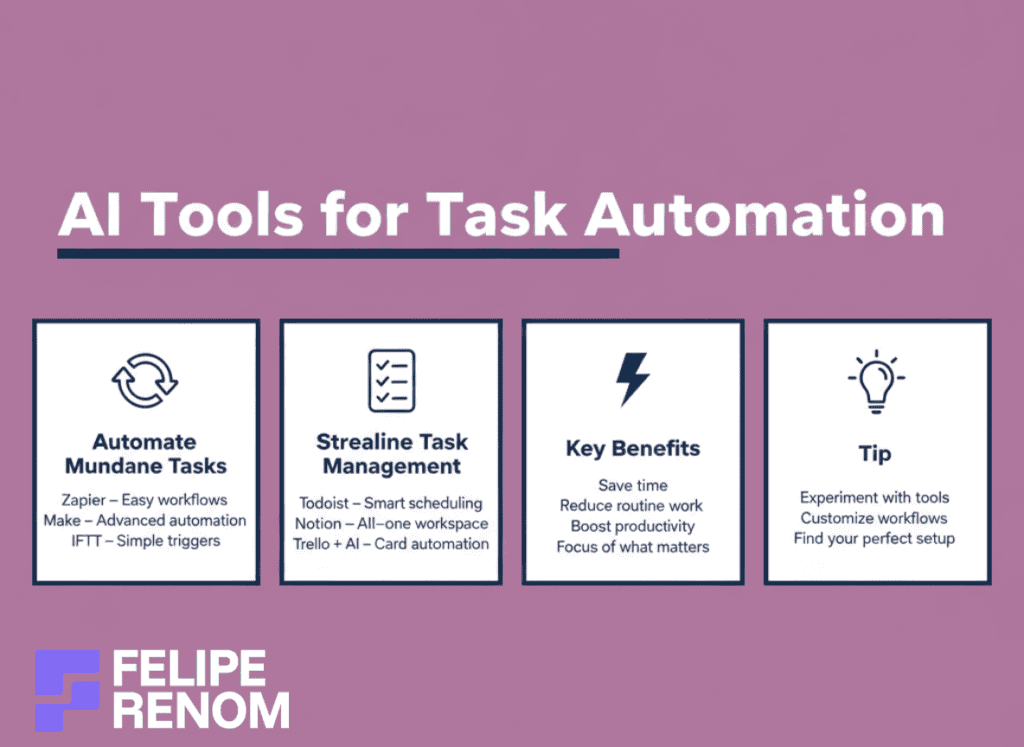
Automate Repetitive Tasks
The first step is automating repetitive tasks that gnaw away at your time. I remember those endless hours consumed by manual data entry during my corporate days. Finding AI tools made a significant difference.
- Zapier: Connects over 2,000 apps, great for automating workflows without writing code.
- Make (formerly Integromat): Offers more complex task automation, a bit of a learning curve but worth it.
- IFTTT: Perfect for simple automation, links everyday apps and devices seamlessly.
| Tool | Pros | Cons |
|---|---|---|
| Zapier | User-friendly, integrates many apps | Can get pricey |
| Make | Flexible, powerful | Requires some tech skills |
| IFTTT | Easy setup, free options | Limited advanced features |
My key takeaway: Automating mundane tasks is like getting an extra pair of hands. It’s an immediate time-saver.
Streamline Task Management
AI-powered apps have also revolutionized how I keep track of my to-do list. Project tracking no longer feels like a chore. Instead of using sticky notes and scribbled reminders, smart task management apps do the heavy lifting.
- Todoist: This app is intuitive and integrates well with AI tools for scheduling.
- Notion: A robust platform that combines task management with a knowledge base.
- Trello with AI: AI bots for Trello cards help organize and prioritize tasks efficiently.
Using AI-powered task apps, you harness the power of automation to manage and streamline tasks. I recall the early days of freelancing when organizing projects was daunting, but using these tools changed EVERYTHING for me.
By diving into these tools and customizing them to your needs, you’ll see productivity skyrocket. Automating routine activities like email management frees up so much mental space. You can finally focus on what REALLY matters.
This was an “aha” moment for me: AI can turn the chaos of daily tasks into a well-oiled machine.
Through some trial and error, let’s be honest, not every tool will fit your needs, you can discover the incredible potential of AI. It’s about experimenting and finding that sweet spot that makes your workflow smooth and stress-free. Give these AI tools a shot, and watch your productivity soar.
Implement AI in Time Management
Managing time was one of my biggest struggles when I transitioned from a corporate job to freelancing. Initially, the flexibility overwhelmed me. I was working nights, weekends, pretty much around the clock. Then I learned how to use AI to be more productive with my time, and wow, that made a huge difference.
AI Scheduling Assistants
AI scheduling assistants are a blessing in disguise. I remember having multiple meetings like a circus performer. It wasn’t pretty. But tools like Calendly have simplified everything. These apps schedule meetings automatically, avoiding overlaps and unnecessary back-and-forth emails.
- Seamlessness. With Calendly, you set your preferences, and the AI handles the rest.
- Integration. These apps sync with your calendar, whether it’s Google, Outlook, or others.
- Efficiency boost. No more double-booking or forgotten appointments.
| Tool | Pros | Cons |
|---|---|---|
| Calendly | Easy to set up, reduces email clutter | Limited free-tier features |
| Clara | Personal touch with AI | Pricier than other options |
This was HUGE for me. The time I saved from not scheduling meetings was reinvested into actually growing my business.
AI Reminders and Notifications
Remembering deadlines used to feel like trying to catch water with a sieve. AI reminders and notifications have become my personal assistant. With them, nothing falls through the cracks. Think of them as having sticky notes that never peel off.
- Smart prioritization: These AI tools highlight tasks based on urgency.
- Context awareness: Notifications adjust based on location, weather, or even traffic!
- Multiplatform sync: Whether I’m on my laptop or phone, reminders are always up to date.
Using them, I’ve reduced my mental clutter SIGNIFICANTLY. When you’re working on multiple projects, this organizational boost is invaluable.
My “aha” moment: AI turned my chaotic schedule into a masterclass of precision.
Analyze Time Usage with AI Tools
The irony is I used to think I was good at multitasking. Turns out, I was just good at being ineffective. Analyzing time usage with AI tools helped me unearth my productivity patterns. Suddenly, it made sense why some days felt like a drag, my habits weren’t aligned with peak productivity times.
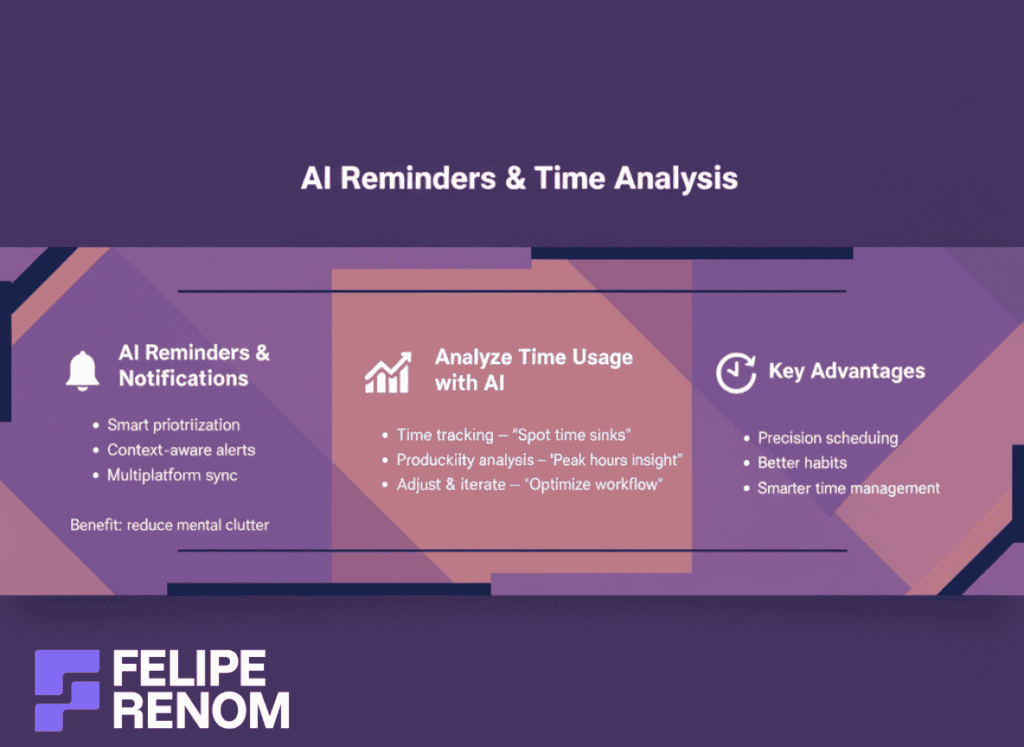
- Insightful reports: AI tools like RescueTime provide data on how much time is spent on various activities.
- Highlight areas for improvement: It’s like having a performance review every day.
- Adjust and iterate: Allows tweaking your schedule for maximum efficiency.
| Feature | Benefit | Issue |
|---|---|---|
| Time tracking | Identifies time sinks | Requires discipline to review |
| Productivity analysis | Spotlights peak hours | Data can overwhelm beginners |
AI has allowed me to understand how I work best and adjust accordingly, it’s like having a coach pointing out what needs improvement. And let’s face it, knowing WHEN you work best is half the battle. Implement these strategies and watch as time management skyrockets, transforming into an ally, not an enemy.
Enhance Communication with AI
Harnessing the power of AI in communication has been a total game-changer for me and my clients. It’s like having a supercharged assistant handling the back-and-forth, allowing us to focus on what truly matters. When I started incorporating AI chatbots and other tools, I couldn’t believe the amount of time we freed up!
AI Chatbots for Communication
One of the FIRST steps in enhancing communication with AI is integrating AI chatbots into your customer service or internal channels. I remember a project with a high school in Bangkok where we implemented a comprehensive FAQ chatbot. The result? They saved over 20 hours weekly just by automating routine queries.
- 24/7 Support: AI chatbots provide round-the-clock assistance without breaks.
- Consistency: They maintain uniformity in responses, ensuring no mixed messages.
- Scalability: Easily handle increasing volumes of inquiries.
| Feature | Benefit | Limitation |
|---|---|---|
| Availability | 24/7 operation | Lack of human empathy |
| Cost-effective | Reduces staffing costs | Initial setup investment |
The lesson here? AI chatbots can drastically reduce workload and improve response times.
I’ve also noticed a significant boost in internal communication efficiency. With bots handling basic queries and tasks, teams are free to focus on core responsibilities. It’s an investment that pays off in spades.
AI-Driven Email Filters
Another tool that WORKED wonders for me was integrating AI-driven email filters. Email overload can be overwhelming, and these tools help tremendously by prioritizing important messages, filtering out the noise.
- Sorting and Prioritizing: AI can distinguish between urgent emails and less critical ones.
- Spam Reduction: Automatically filter out unsolicited content, saving mental bandwidth.
- Enhance Focus: By organizing emails, you prioritize tasks effectively and reduce distractions.
This changed EVERYTHING for me: I regained control over my inbox, turning chaos into clarity.
Using AI in this way is about reclaiming lost time and focusing on what FULFILLS you. It’s a subtle shift, but when you observe the efficiency benefits, it’s a revelation. AI’s capacity to streamline communication through email is a lifeline to productivity.
AI Transcription Services
Transcribing meetings manually used to feel like pure tedium. Enter AI transcription services. Now, conversations are transformed into easily referenced text in no time. I introduced this practice to a clinic client, and they were equally astounded by the rapid turnaround.
- Time Efficiency: Speeds up documentation of meetings and calls.
- Accuracy: State-of-the-art AI models ensure precise transcription.
- Convenience: Easily searchable for future reference.
| Feature | Pros | Cons |
|---|---|---|
| Speedy transcription | Saves time | May require editing for nuances |
| High accuracy | Reduces errors | Can miss context or emotions |
The major takeaway: AI transcription saves HOURS, enhancing meeting productivity significantly.
Moving to AI transcription services has not just been about speed, it’s about capturing crucial details and freeing up resources. For anyone aiming to learn how to use AI to be more productive, this is an indispensable strategy. By adopting these AI tools, you’ll notice a remarkable shift in how you handle communication, making it more efficient and less stressful.
Optimize Workflow with AI Analytics
Ever felt like you’re swimming against the tide in your business operations? That’s how I felt when I first started diving into freelance AI development. It was a constant challenge navigating through data without a clear direction. Learning how to use AI for productivity made a major difference, and AI analytics plays an important role in that shift.
Harness AI Analytics Tools
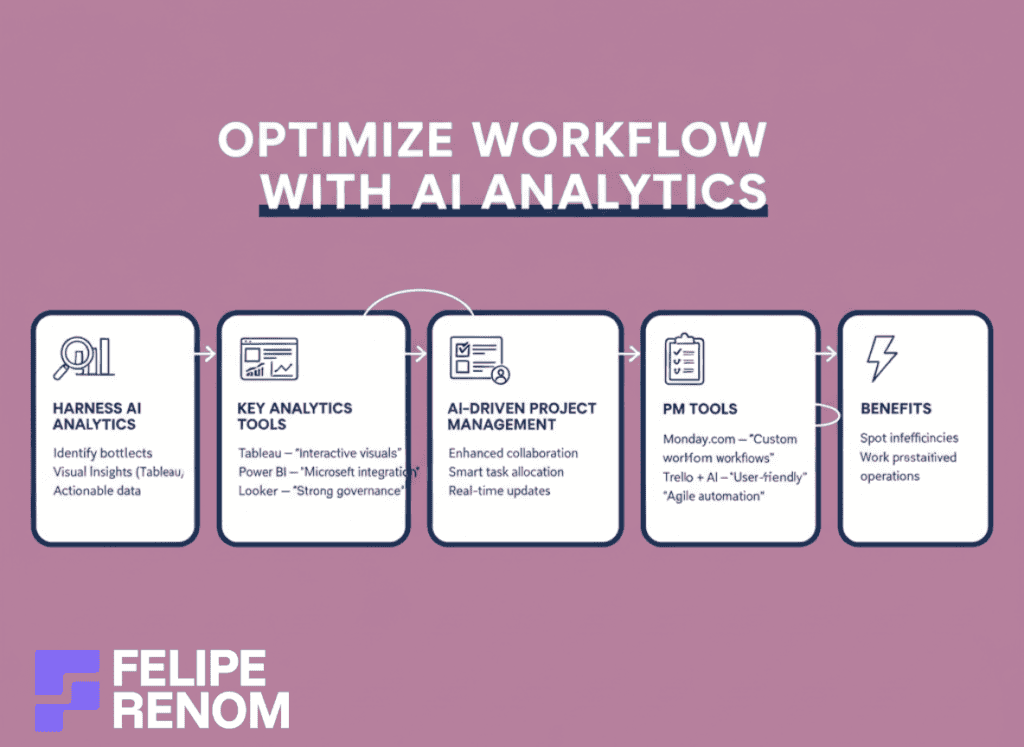
AI analytics tools can be your flashlight in the dark, illuminating areas of your operations that need attention. I recall my early days, often overwhelmed by mountains of data at my corporate job. Today, AI analytics helps highlight what’s essential and which areas need improvement.
- Identify Bottlenecks: AI tools pinpoint issues in workflows, helping you fix problems before they escalate.
- Insights: Tools like Tableau, Power BI, or Google Analytics provide visual insights that are easy to digest.
- Actionable Data: With AI analytics, you’re not just getting data; you’re gaining insights that can drive impactful changes.
| Tool | Pros | Cons |
|---|---|---|
| Tableau | Interactive dashboards | Can get pricey |
| Power BI | Integrates with Microsoft tools | Learning curve for beginners |
| Looker | Strong data governance | Needs good internet |
Embrace AI analytics to turn raw data into clear, actionable insights. This was the biggest lesson I learned: start small and iterate.
By utilizing such tools, you can spot redundancies and inefficiencies, refining processes to operate like a well-oiled machine.
Implement AI-Driven Project Management
AI-driven project management software is like having a personal assistant who never gets tired. When I embarked on my freelance journey, project management felt chaotic. Introducing AI into this mix not only organized my tasks but also propelled my collaborative efforts.
- Enhanced Collaboration: AI tools streamline communication among team members, reducing misunderstandings.
- Task Allocation: The software allocates tasks based on priority and skill set, maximizing team efficiency.
- Real-Time Updates: Instant updates keep everyone aligned, no matter the time zone.
| Software | Benefit | Limitation |
|---|---|---|
| Monday.com | Highly customizable | Can overwhelm new users |
| Asana | User-friendly interface | Some advanced features paid |
| Trello + AI | Great for agile teams | Needs plugins for full AI leverage |
Using AI-driven project management tools, I reshaped my workflow from chaotic to strategic. I was SO amazed at how these tools aligned my team!
What stood out was how AI suggested task delegation based on insights, freeing my time to focus on more critical business areas.
AI analytics and project management tools not only sharpen decision-making processes but they also drive productivity. By harnessing these AI capabilities, you ensure that your business is not just reactive, but also proactive and poised for growth. This journey of trial, error, and eventual success demonstrated the REAL power of AI in streamlining workflows. So, take the leap, embrace the tools, and transform your operations into a masterpiece of efficiency.
Boost Creativity with AI Assistance
Exploring the world of AI has been like opening a treasure chest of creative possibilities. As someone who’s deeply ingrained in AI development, I’ve seen firsthand how these tools can revolutionize creativity. Whether you’re a writer, a designer, or a business professional, AI can help spark creativity in ways you might not have imagined.
Experiment with AI-Powered Brainstorming Tools
AI-powered brainstorming tools have become an invaluable ally in ideation sessions. I remember the first time I used IdeasAI, it’s designed to spit out thousands of ideas, and to be honest, I was blown away by, literally, the FLOOD of creativity it unleashed. It’s like having a Google for ideas at your fingertips.
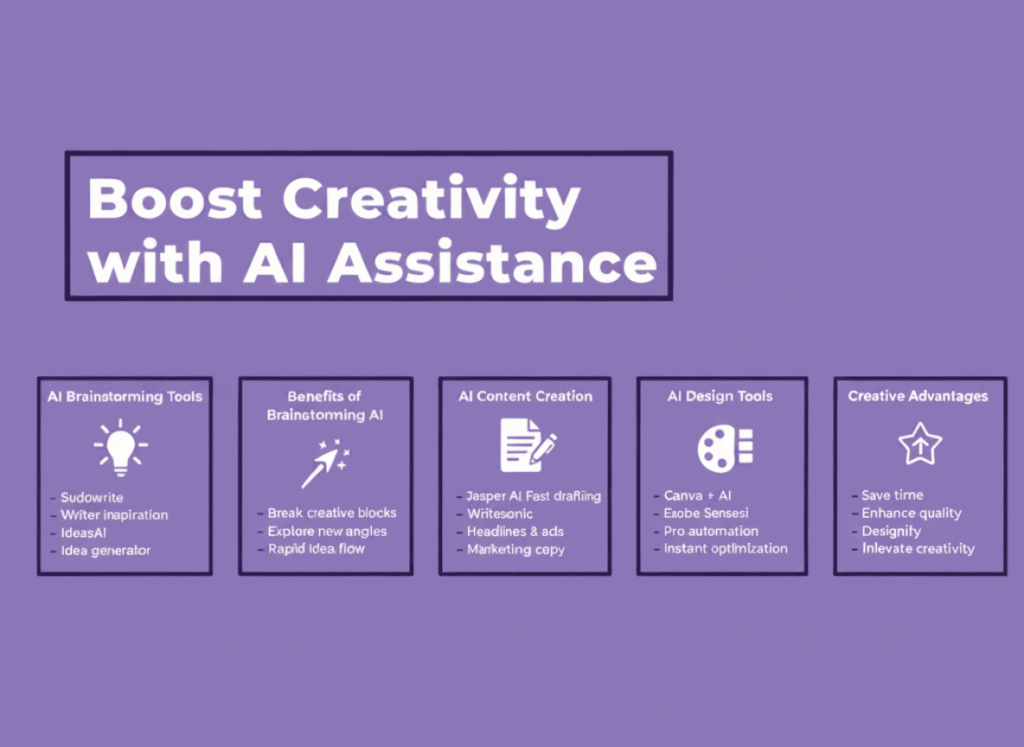
- Sudowrite: Perfect for writers seeking fresh perspectives or narrative twists.
- IdeasAI: Generates a barrage of innovative ideas based on keyword inputs.
- Aivo: A brainstorming assistant that helps refine your ideas step by step.
| Tool | Pros | Cons |
|---|---|---|
| Sudowrite | Great for writers, easy to use | Limited to text |
| IdeasAI | Vast idea generation | Can get overwhelming |
| Aivo | Methodical in idea refinement | May require guidance to customize |
The magic of these tools? They UPLIFT your creative block, offering unique angles to explore.
Incorporating these tools has made a significant difference. When working on the AI Novel Crafter Chatbot (a content creation project I made for a client), these brainstorming tools provided the creative sparks needed to craft compelling plotlines and character development.
Use AI Content Creation Tools
Now, let’s talk about AI content creation tools. Let me tell you, the time saved when drafting reports or articles with AI is INCREDIBLE. As someone who works on multiple freelance projects, the efficiency boost from using content creation tools like Jasper AI has freed me to focus more on strategy rather than getting bogged down by drafts.
- Jasper AI: Ideal for quickly drafting and editing reports, articles, or social media posts.
- Writesonic: Helps generate catchy headlines or engaging ad copy.
- Copy.ai: Great for crafting persuasive marketing content within minutes.
Thanks to these tools, I’ve saved countless hours revising drafts. It’s the perfect example of how to use AI to be more productive, letting you focus on higher-order tasks.
Explore AI Design Software
Finally, AI has made significant strides in enhancing creativity in design. I still fondly remember the moment I discovered Canva’s AI features, effortlessly transforming bland visuals into captivating content. It was, in a word, MAGIC.
- Canva with AI: Enhances design with simple, yet effective, AI-backed features.
- Adobe Sensei: Allows automation in design elements, saving time and effort.
- Designify: Provides instant tweaks to optimize images for various platforms.
| Tool | Pros | Cons |
|---|---|---|
| Canva | User-friendly, versatile | Limited complex design |
| Adobe Sensei | Power-packed for professionals | Expensive software |
| Designify | Quick image optimization | Focuses on simplicity |
My takeaway? AI design tools are the secret weapon to elevate visual content without needing a dedicated design team.
AI’s role in creativity has expanded remarkably. Whether you’re generating ideas, crafting content, or designing visuals, these tools offer new horizons. Embracing them means not only thriving creatively but doing so efficiently and effectively. Dive into these AI-driven avenues, and you might just surprise yourself with the creative heights you’ll reach!
Key Considerations For Successfully Using AI for Productivity
Integrating AI into your productivity strategy is like navigating a thrilling new journey, full of opportunities but also fraught with potential challenges. As I shifted from a monotonous office job to freelancing, learning how to use AI to be more productive was a lightbulb moment. It taught me that it’s not just about deploying AI but doing it smartly.
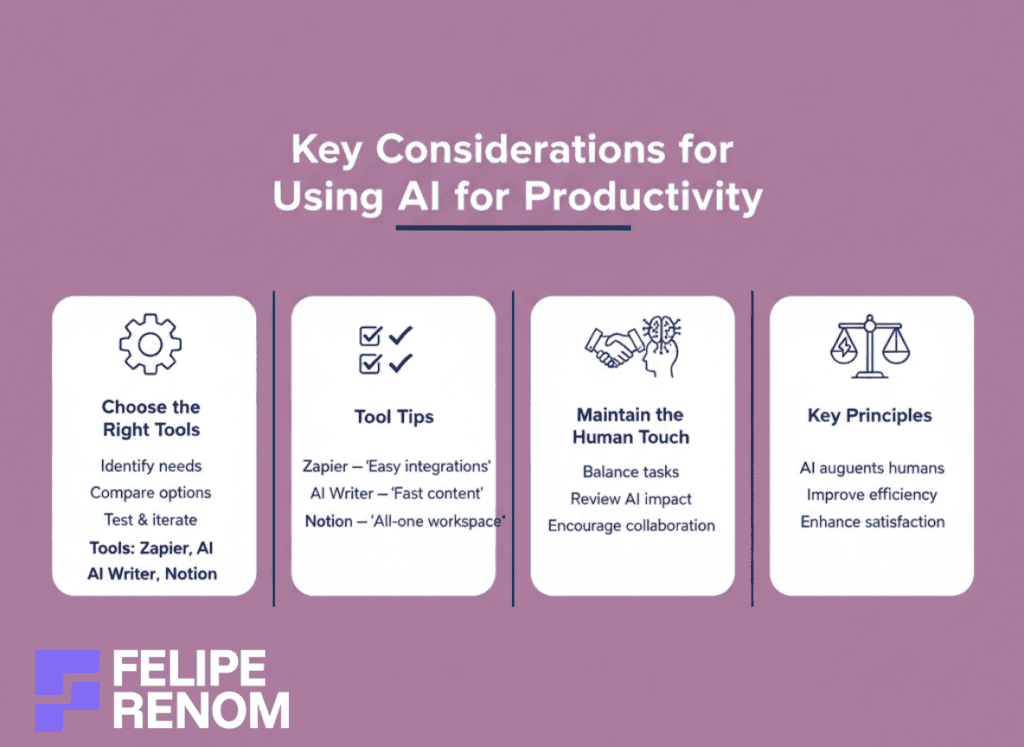
Choose the Right AI Tools for Your Needs
Finding the right AI tools is akin to finding the perfect tool in a toolbox. It’s not one-size-fits-all. During my early days of freelancing, I struggled over what to choose. There’s a plethora of tools out there, and it took some experimentation to nail down exactly what I needed. Here’s what I found crucial:
- Identify Needs: Start by pinpointing the exact pain points. For example, wasted time on repetitive tasks might be solved with something like Zapier.
- Evaluate Options: Don’t settle too soon. Compare tools for features, cost, and ease of use.
- Test and Iterate: Set aside time to try different tools. You won’t always get it right the first time, and that’s perfectly OKAY.
| Tool | Pros | Cons |
|---|---|---|
| Zapier | Easy integration, time-saver | Can be costly for advanced integrations |
| AI Writer | Great content generation | Can lack personalization |
| Notion | All-in-one tool | Heavy feature set can confuse |
Key takeaway: Picking AI tools that resonate with your needs saves time and a lot of unnecessary frustrations.
AI tools are like new shoes; they need to fit well for you to get the most out of them. Don’t rush, take your time to find what’s right for YOU.
Maintain the Human Touch
One harsh lesson I learned is never to overlook the human touch. Early in my AI deployment efforts, I leaned heavily into automation, almost negating the human factor. I quickly realized AI should complement people’s strengths, not replace them. Here’s how to keep it human:
- Balance Tasks: Use AI for repetitive or data-driven tasks but leave creative, strategic tasks to humans.
- Regularly Review AI Impact: Keep an eye on how AI affects team morale and customer satisfaction. Sometimes, a bot can’t replace a real conversation.
- Embrace Collaboration: Use AI as a supportive partner, not just a replacement. Encourage your team to interact with these tools to foster better outcomes.
Biggest lesson: AI excels when it augments human abilities, not when it attempts to replicate them.
When AI works in harmony with human skills, you unlock productivity and a sense of fulfillment. It’s like having a cyborg duo, where man and machine synergize brilliantly.
Successfully integrating AI isn’t about casting aside human effort. It’s about leveraging technology to elevate what we do best while ironing out inefficiencies. Every successful implementation hinges on thoughtful integration and the human-AI dance. Embrace this, and you’ll see both productivity and satisfaction soar. Remember, it’s a journey, experiment, learn, and adapt.
Taking it to the Next Level: How to Enhance Productivity Beyond AI
So, you’ve got the hang of using AI to boost productivity, awesome! But what’s next? It’s like reaching a mountain peak and realizing there’s a higher peak still to be climbed. Enhancing productivity is an ongoing journey that blends the old-school with the cutting-edge. Here’s how you can take it to the next level.
Combine AI with Traditional Productivity Techniques
Even though AI is immensely powerful, sometimes the best productivity hacks are the ones that have stood the test of time. Remember the good old Pomodoro Technique? For those unfamiliar, it involves working in focused sprints, typically 25 minutes long, followed by a short break.
Combining it with AI tools:
- AI Reminders: Use AI to notify you when it’s time to take a break or switch tasks.
- Task Prioritization: AI can help organize your tasks before you start your Pomodoro sprints.
- Progress Tracking: Use AI analytics to track your progress and see patterns over time.
The same goes for the Getting Things Done (GTD) framework. AI-powered apps can capture, process, and organize tasks, allowing you to focus on impactful work. I remember implementing these techniques in my workflow. Suddenly, everything felt like it was in sync, and boy, did it ramp up my efficiency!
For example, I tend to make 55 minute focus sessions and 5 minutes rest. I do it all day and put my phone away to not get distracted. It improves a lot my focus and helps me getting things done (GTD).
Combining the timeless techniques with AI tools brings the best of both worlds: tradition fused with innovation for peak performance.
Embrace Continuous Learning and Adaptation
This isn’t just a “set it and forget it” approach. AI is evolving RAPIDLY, and keeping up with the latest advancements is crucial to staying productive. The more you know, the better you’ll harness these powerful tools.
Here’s how to stay ahead:
- Stay Updated: Regularly browse AI news sources to catch up on new tools or updates.
- Learn New Tools: Don’t shy away from experimenting with new AI software that may enhance productivity.
- Online Courses: Platforms like Coursera or Udemy offer courses on both AI and productivity techniques.
For instance, when LangChain and OpenAI upgraded some features, I familiarized myself immediately. Those updates dramatically changed how I developed chatbots, making workflows smoother and saving even MORE time.
The pace of AI development is relentless, and adapting quickly ensures you remain on the cutting edge.
It’s like having a Swiss army knife, every new feature adds an additional blade. You don’t just use it; you master it, continuously sharpening your skills. Remember: it’s not only about how to use AI to be more productive but also about hopping onto that learning curve and riding it all the way to efficiency town. So dive in, explore these combinations, and watch as your productivity hits new heights!
Alternatives to Using AI for Productivity
Even though AI is transforming how we tackle productivity, it’s not the ONLY path to getting things done effectively. Some folks prefer the tactile, hands-on approach or rely on personal touches. And hey, that’s perfectly okay! There’s no magic solution, it’s about what works best for YOU. So, let’s dive into a few alternatives that might fit your style.
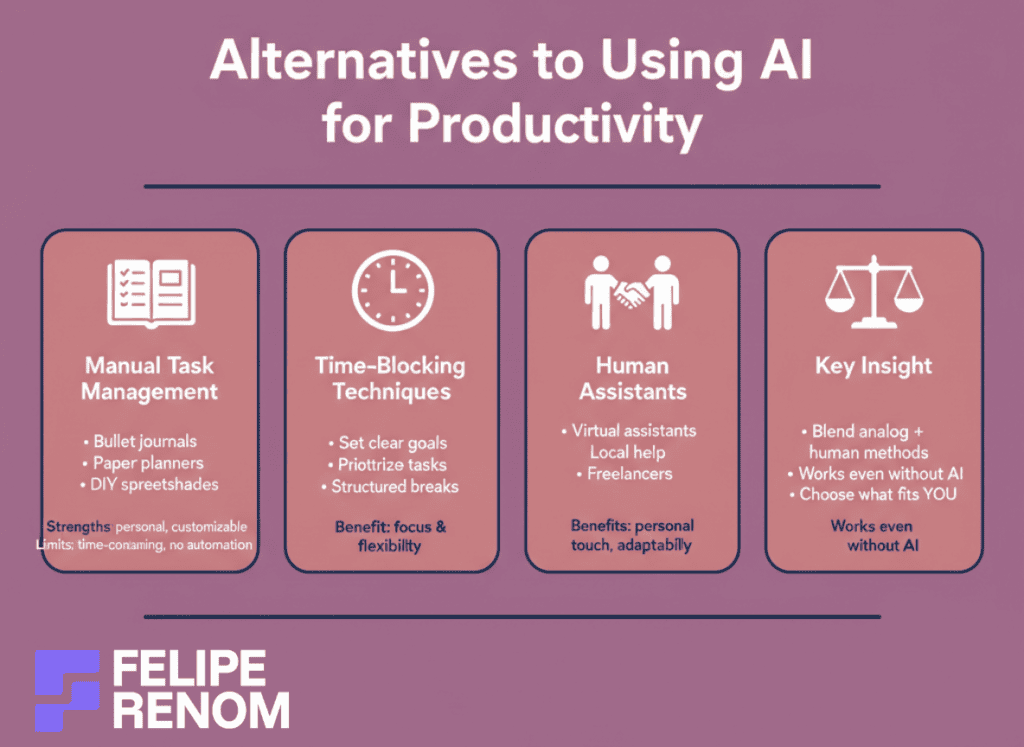
Manual Task Management Systems
Back in the day, I relied heavily on good old-fashioned lists and planners. There’s a unique satisfaction in physically crossing off tasks. Believe me, before my AI journey, a simple DIY spreadsheet was my go-to.
- Bullet Journals: Excellent for those who enjoy the creative aspect and personal connection.
- Paper Planners: Keeping it analog can sometimes help internalize plans better.
- DIY Spreadsheets: Versatile and tailored to your needs, adjust as you grow.
| Method | Strength | Limitation |
|---|---|---|
| Bullet Journals | Customizable, personal | Time-consuming setup |
| Paper Planners | Instill focus, no tech required | Cumbersome for revision |
| DIY Spreadsheets | Highly adaptable | Lacks automation power |
The takeaway here? Sometimes simpler is better. A manual approach may boost your creativity and keep things tangible.
Even now, when I feel the digital chaos overwhelming, I pop open a journal or dust off a notebook. It’s a grounding experience, reminding me where I started.
Time-Blocking Techniques
Time-blocking is like giving yourself deadlines, but MAKE it count. Before I discovered how to use AI to be more productive, managing time felt like herding cats. But this approach made every hour count, it was a game-changer.
- Set Specific Goals: Defines clear targets for each block, avoiding multitasking.
- Force Prioritization: Helps focus on high-impact tasks instead of jumping around.
- Structured Breaks: Encourage a balanced workflow to maintain energy.
Reality check: Time-blocking helped me recognize where I ACTUALLY spent my time versus where I thought I did.
When piecing my day together using time-blocking, I felt a major shift in productivity. The best part? Flexibility. It’s perfect for all those adjustments life throws our way.
Employing Human Assistants
In a world of automation, sometimes nothing beats the human touch. Hiring assistants can do wonders; there’s value in real conversations and personal touch points.
- Virtual Assistants: Cost-effective, scalable, and manage tasks efficiently.
- Local Help: Proximity ensures aligned goals and face-to-face meetings.
- Freelancers: Tap into specialized skills for particular projects without commitments.
| Assistant Type | Benefits | Downsides |
|---|---|---|
| Virtual Assistants | Affordable, flexible | Possibly less personal |
| Local Help | Personal interaction | Often pricier |
| Freelancers | Skill-specific access | Inconsistent availability |
Big lesson learned: Employing people offers adaptability and genuine interaction that AI alone can’t replicate.
In today’s tech-driven world, valuing human input can set you apart. It’s about blending modern solutions with time-tested practices for enhanced productivity. Maybe you’ll find that sweet spot by integrating or balancing AI and these traditional methods. So, explore, experiment, find what clicks, and KEEP pushing those productivity boundaries!
Final Thoughts
Harnessing the power of artificial intelligence is no longer optional; it’s essential for anyone looking to boost productivity. By learning how to use AI to be more productive, you can automate mundane tasks, manage your time with precision, and enhance communication effortlessly. The possibilities are vast, and the benefits are immediate. Now, it’s your turn to take action. Start by identifying a task you can automate today and explore AI tools that align with your needs. Implementing even one AI-driven change can save you precious hours each week, making room for what truly matters in your life.
Continue Reading: Want to dive deeper? Check out my How to Use AI for Productivity to explore more ways AI can transform your daily routine. By continuing your learning journey, you’ll stay ahead of the curve and maximize your productivity potential. Don’t wait, unlock the power of AI now!